From Git Push to AWS Lightsail with GitHub Actions
How I turned manual Docker deployments into a repeatable GitHub Actions CI/CD workflow for a multi-service Lightsail host.
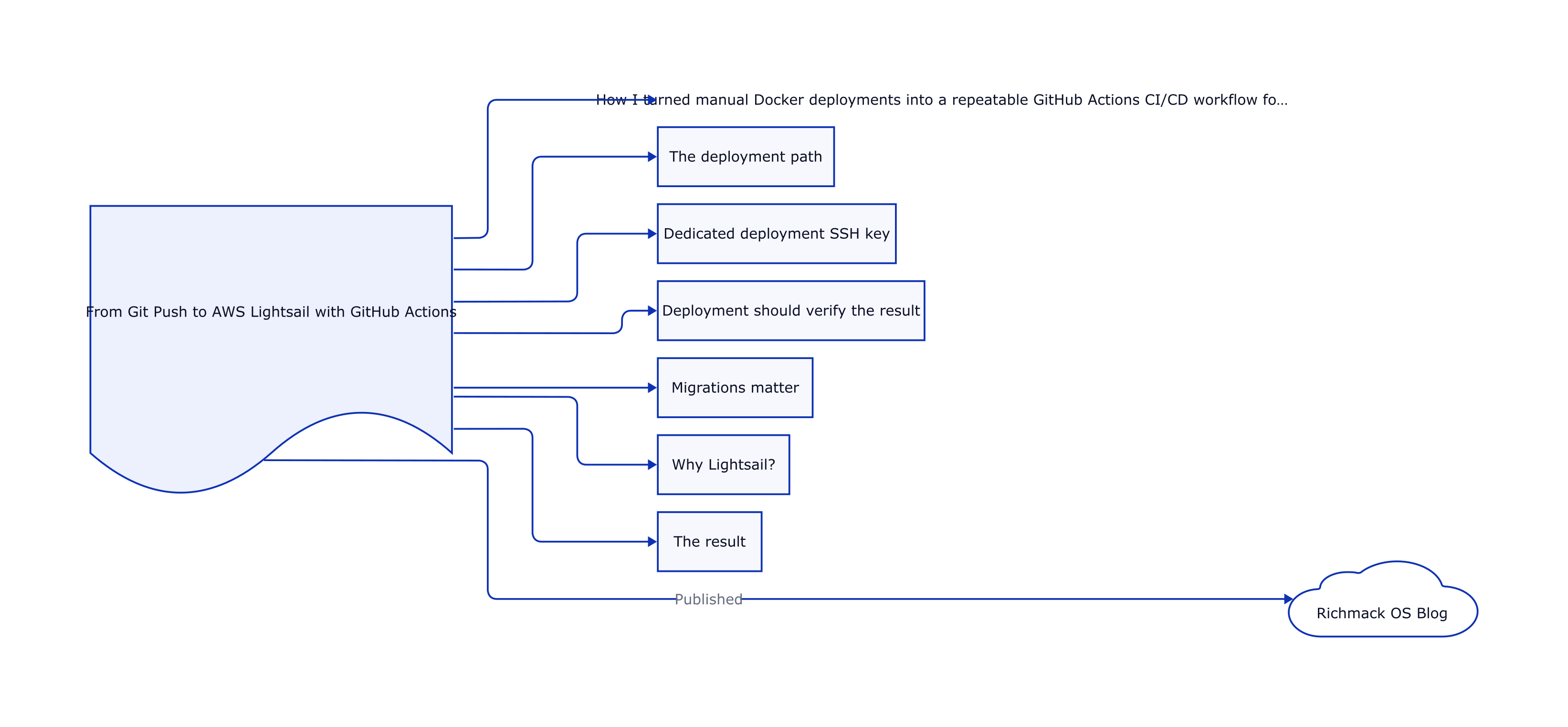
From Git Push to AWS Lightsail with GitHub Actions
I started with the most direct deployment process possible: copy files to the server, rebuild Docker containers, and verify the application manually.
That works until deployment itself becomes part of the engineering problem.
The next step was a GitHub Actions pipeline that deploys my services to AWS Lightsail whenever changes reach the main branch.
The deployment path
Mac
 |
git push
 |
GitHub
 |
GitHub Actions
 |
SSH / rsync
 |
AWS Lightsail
 |
Docker Compose
 |
health check
Dedicated deployment SSH key
The CI workflow uses a dedicated deployment key rather than my normal interactive Lightsail key.
That separates automated access from personal access and makes it possible to revoke or rotate the CI key independently.
Before putting the key into GitHub Secrets, I verified the exact key from my Mac with an SSH command using IdentitiesOnly=yes.
Deployment should verify the result
A successful docker compose up -d is not enough.
The deployment waits for the application's health endpoint and fails the GitHub Actions job if the application does not become ready.
This caught real issues during development, including Python syntax errors and SQLite schema mismatches. A green build should mean the service can actually answer a health request, not merely that Docker accepted the command.
Migrations matter
One of the most useful lessons came from evolving the observability database.
Application code began querying new SQLite columns before the production database had been migrated. The container started successfully and /health responded, but the main dashboard returned HTTP 500.
The fix was to make upgrades defensive:
- migrations are idempotent
- the application verifies required columns
- schema compatibility can self-heal at startup
- deployment runs syntax checks before rebuilding
- the pipeline tests the deployed version
CI/CD is not only about moving files faster. It is about encoding the deployment assumptions that were previously living in my head.
Why Lightsail?
For this environment, Lightsail gives me a small Linux host where I can work directly with Docker, Nginx, system services, SSH, TLS, and networking.
That makes it useful as a learning and portfolio environment because the infrastructure is visible instead of hidden behind a fully managed application platform.
The result
The deployment workflow now connects source control, infrastructure, application containers, reverse proxying, health checks, and observability.
A normal code change follows one path from my Mac to the running service, and the monitoring layer immediately shows what happened after deployment.
Cloud infrastructure, AI systems, automation, and developer tools.
Visit richmackos.com →